I saw this vx-underground post about malware putting a fake account warning inside Steam. The screenshot made me stop scrolling. It looked like Steam itself was telling someone their account had been restricted.
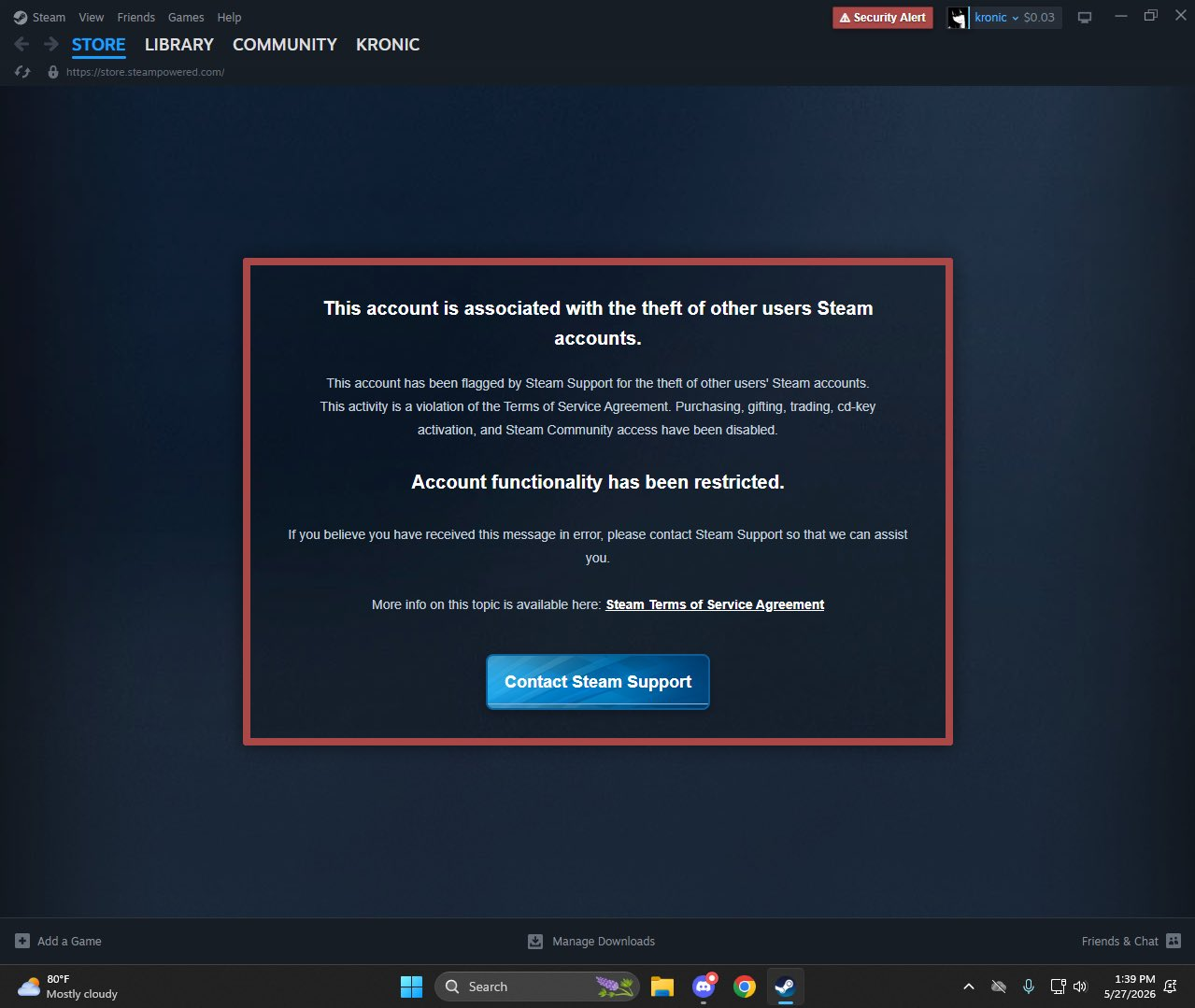
The screenshot that got me curious. This isn’t my popup.
The post said the trick was to restart Steam with -cef-enable-debugging, then use Chromium’s debugging connection to run JavaScript in its interface. I wanted to try that part for myself.
I closed Steam, reopened it with the flag, and found the Sign in to Steam page at http://127.0.0.1:8080/json/list. That gave me a webSocketDebuggerUrl for the window.
The popup script created a dark overlay with a box and an OK button. These are the lines that added the message (I’ve left out the styling):
const shade = document.createElement("div");
const box = document.createElement("div");
const message = document.createElement("div");
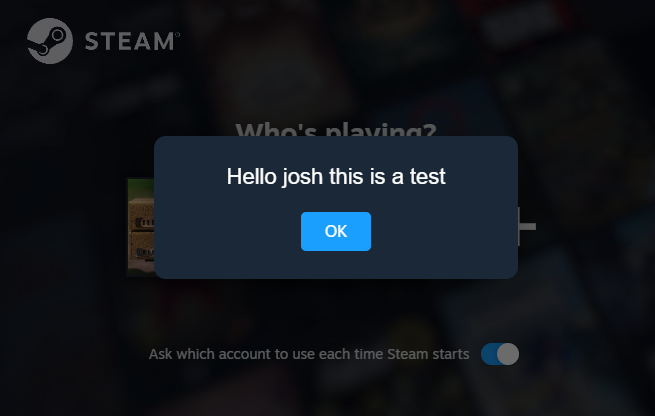
message.textContent = "Hello josh this is a test";
const button = document.createElement("button");
button.textContent = "OK";
button.onclick = () => shade.remove();
box.append(message, button);
shade.append(box);
document.body.append(shade);
I sent that script to the window over its WebSocket with a DevTools request shaped like this:
{
  "id": 1,
  "method": "Runtime.evaluate",
  "params": { "expression": "<popup script>", "returnByValue": true }
}
And there it was in Steam’s sign-in window:
Making it stick
In Registry Editor, the startup command is the Steam string value under HKEY_CURRENT_USER\Software\Microsoft\Windows\CurrentVersion\Run. Adding the debug flag to that value’s Value data would make it:
Steam = "C:\Program Files (x86)\Steam\steam.exe" -silent -cef-enable-debuggingEach time this user signs in to Windows, Steam would start silently with CEF debugging enabled.
Snake inside Steam
Once I knew how Steam could start in debug mode at login, I’d seen enough. I wasn’t interested in recreating the scam; I just wanted to see how the trick worked. So here’s me playing Snake inside Steam.