Why I built it
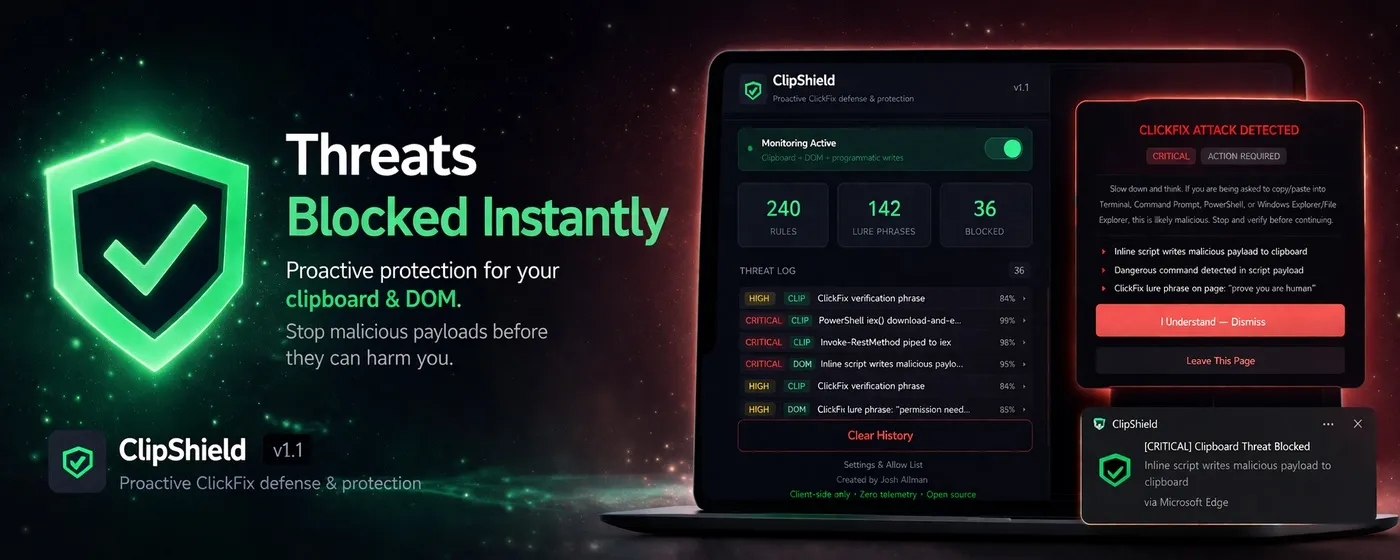
I built ClipShield to interrupt a specific attack chain before it turns into an incident: fake verification prompts that push users toward copying malicious commands into PowerShell, Terminal, or the Run dialog.
This post covers why I built it, how the detection logic works, and why I kept the extension zero telemetry and open source.
What this post covers
- The user flow ClipShield is designed to break
- How clipboard and DOM detections work
- Why prevention matters more than passive detection
- Why I kept the project local-first and open source
I have seen loved ones, close friends, and more than a few people through work get pulled into the same fake verification flow. A page says there is one more step. It tells them to open PowerShell or Terminal. It hands them a command. From there, things can go sideways very quickly.
That was the real motivation. I wanted something that could sit in the browser and interrupt that moment before it turned into an incident.
The first version came together quickly, and yes, I did lean into vibe coding for parts of it. I was also genuinely inspired by Anton Ovrutsky and his ClaudeForBlueTeam tweet series. Seeing that kind of practical, grounded use of LLMs for blue team work gave me the push to use the same approach here. Not to blindly ship whatever came out, but to iterate faster, test ideas quickly, and keep refining the protection logic until it felt solid.

Me vibing while I push Claude to its limit.
A lot of the early iteration was fast, messy, and surprisingly productive.
What ClipShield actually does
ClipShield is built to stop a very specific kind of attack chain. It looks for fake verification flows, ClickFix-style lures, malicious clipboard payloads, and the kinds of LOLBAS and LOLBIN execution patterns attackers keep recycling because people still fall for them.
It does not just detect suspicious-looking content. It tries to break the flow before the user pastes something dangerous.
The first layer is straight detection:
function analyzeClipboard(rawText) {
  const text = deobfuscate(rawText.trim());
  const matches = [];

  for (const rule of DETECTION_RULES) {
    if (rule.pattern.test(text)) matches.push(rule.description);
  }

  return { threat: matches.length > 0, detectedItems: matches };
}
That means cleaning up obvious obfuscation first, then checking the clipboard against 240 rules for things like curl | bash, mshta, powershell -enc, iex(iwr ...), LOLBAS-style chains, and known ClickFix patterns gathered from open source reporting and shared community telemetry.
That part matters because these attacks are rarely original. They are usually the same bad ideas with slightly different wrapping paper.
The second layer is prevention. If a page tries to silently stuff a malicious payload into the clipboard, ClipShield does not wait until after the damage is done:
if (message.action === 'clearClipboard') {
  const safeText = '[BLOCKED] Malicious payload intercepted and cleared by ClipShield.';
  navigator.clipboard.writeText(safeText).catch(() => {
    area.value = safeText;
    area.focus();
    area.select();
    document.execCommand('copy');
  });
}
This is probably the most important part of the extension. If a malicious command makes it into the clipboard, the attack is already one step too close to succeeding. So ClipShield monitors copied text, watches for script-driven clipboard writes, intercepts suspicious payloads, and replaces them with a safe placeholder before they can be pasted into PowerShell, Terminal, or the Run dialog.
Detection is useful. Intercepting and replacing the payload is what actually changes the outcome.
The third layer is DOM scanning, because these pages often expose themselves before the clipboard is even touched:
if (hasClickFixLure) detectedItems.push('ClickFix lure phrase found');
if (hasCommandInstruction) detectedItems.push('Command execution instructions detected');
if (overlayInfo.blocksInteraction) detectedItems.push('Interaction-blocking CSS detected');
So ClipShield looks for lure phrases, fake verification prompts, suspicious overlays, inline clipboard-write scripts, and pages that are obviously trying to funnel the user toward copying and executing something they do not understand.
It is not trying to be magic. It is just watching the flow closely enough to say: this is not normal.
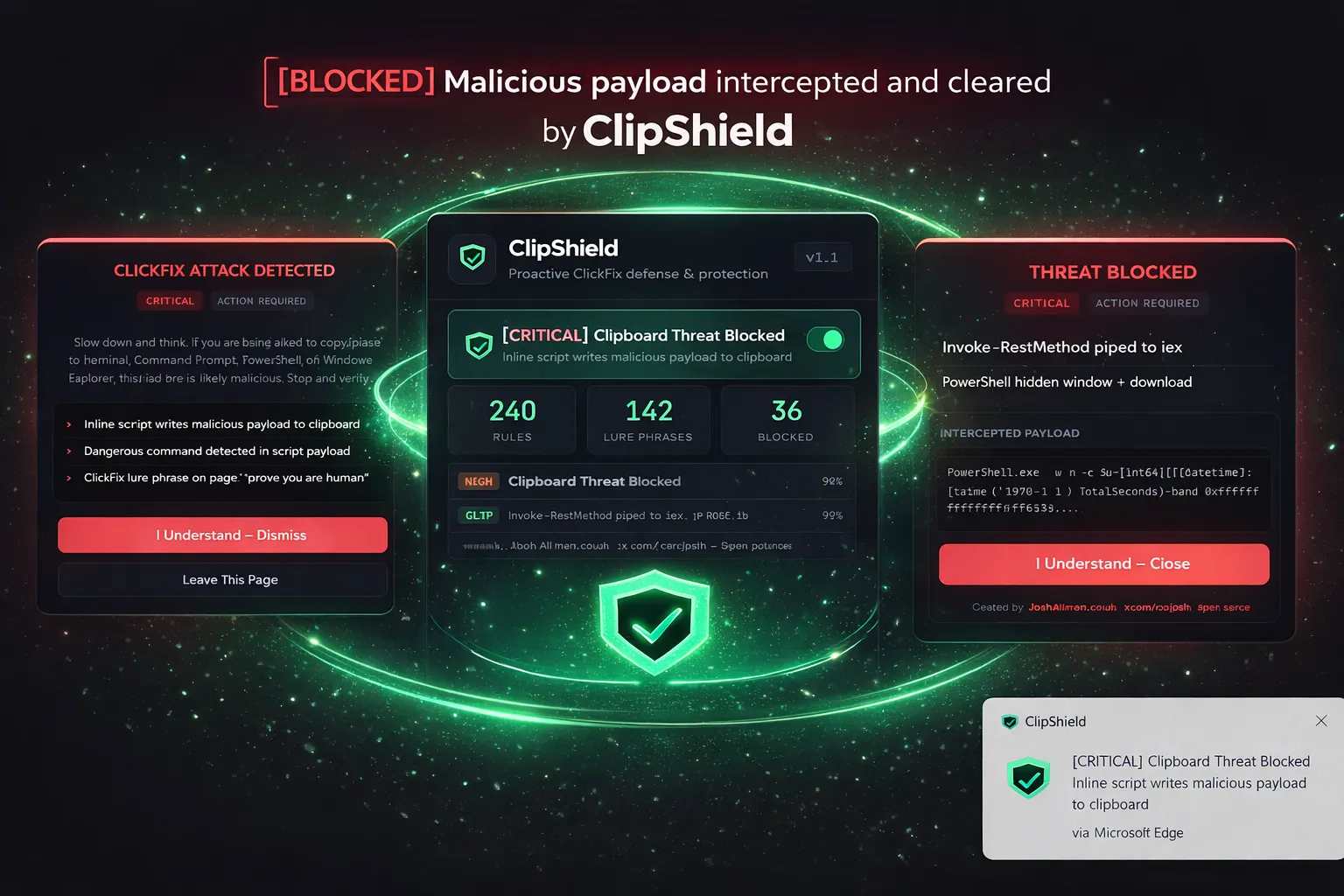
The extension popup shows what was blocked, where it happened, and why it was flagged.
Zero telemetry means zero telemetry
This part was non-negotiable for me.
Nothing leaves the machine. No analytics. No usage stats. No “anonymous” collection that somehow grows into a product dashboard later. Clipboard content, page signals, settings, and alert history stay local.
I care about this because security tools should not solve one problem by quietly creating another. If I am asking someone to trust an extension that watches for malicious clipboard abuse, I cannot then turn around and collect browsing data in the background. That defeats the point.
Open source, on purpose
ClipShield is open source because I want people to inspect it properly. Audit the detections. Check the logic. Tell me if a rule is noisy. Tell me if I missed something. If you want to improve it, send a PR.
Repo: https://github.com/xorjosh/ClipShield Chrome: Download Edge: Download